







Your volunteers know how to direct traffic and answer questions, but they've never validated a digital ticket before and gates open in 90 minutes. QR codes behave differently on Android versus iPhone, outdoor glare makes screens unreadable, and you have no backup plan for when someone's confirmation email won't load. We're going to show you how to train your team on ticketing tech that works offline, design flow lanes based on your actual pre-registration data, and set up a help desk that keeps problems from backing up your main gates. These 10 fixes turn your check-in area into a data collection point that improves every time you run an event.
TLDR:
- Train volunteers on QR scanning and offline troubleshooting before gates open to prevent bottlenecks.
- Separate flow lanes by ticket type cut wait times under 10 minutes and reduce abandonment.
- Mobile-first check-in with offline scanners works at remote venues without reliable Wi-Fi.
- Real-time attendance data from digital tickets reveals peak arrival patterns for better staffing.
- Fastbreak Ticketing delivers SMS-based tickets and offline-capable scanners that feed data directly into Fastbreak for tournaments.
Making a Great Impression at Event Check-In
We took a look at the entire event check-in experience and identified 10 ways to help improve that first impression so that attendee experience is the best as possible:
- Train Your Team on Digital Ticketing Technology
- Design Separate Flow Lanes for Different Ticket Types
- Keep Wait Times Under 10 Minutes to Prevent Drop-Off
- Deploy Mobile-First Check-In That Works Offline
- Set Up a Help Desk Away From Main Check-In
- Boost Satisfaction With Positive First Touch Points
- Test All Technology the Morning of Your Event
- Use Digital Tickets to Capture Real-Time Attendance Data
- Set Up Contactless Entry With QR Codes and NFC
- Measure Check-In Performance to Improve Future Events
1. Train Your Team on Digital Ticketing Technology
Your check-in volunteers can make or break that first moment when teams arrive. QR check-in is most common at U.S. conferences, which means your staff needs to be fluent with scanning tech before anyone shows up at the gate. To get your team prepared, walk them through digital ticket validation, what to do when someone's phone is dead, and how the scanners behave when Wi-Fi drops. Run a mock check-in the day before. Have volunteers practice scanning different ticket formats, troubleshooting common problems, and directing people to the help desk when issues escalate beyond a quick fix.
2. Design Separate Flow Lanes for Different Ticket Types
Creating dedicated lanes for different ticket types turns your check-in area from a bottleneck into a sorting system. Pre-registered attendees move through faster when they're not stuck behind families buying tickets on the spot. Your digital ticketing data shows exactly how many people fall into each category before the event starts. So, if you sold 800 advance tickets and expect 200 walk-ups, you can staff three lanes for pre-registration and one for on-site sales. Clear signage matters here: physical markers that tell people which lane to join before they reach the front.
VIP lanes work the same way. Coaches and sponsors who paid premium fees shouldn't wait in general admission lines.
3. Keep Wait Times Under 10 Minutes to Prevent Drop-Off
People start abandoning queues after waiting 10 to 15 minutes, which means slow check-in frustrates attendees and costs you entry revenue. Digital tickets with QR codes scan in seconds compared to paper lists where volunteers scroll through spreadsheets hunting for names. That time difference adds up fast when you're processing hundreds of families in the first hour. Real-time dashboard monitoring becomes your early warning system. When lines start building, you can see queue length from your phone and open additional lanes before frustration sets in. If Saturday morning check-in suddenly spikes because three teams arrived at once, your staff can react immediately instead of learning about the problem after families have already walked away.
The table below provides a high-level look at the different check-in methods, how long they take to process, and what staffing is required.
4. Deploy Mobile-First Check-In That Works Offline
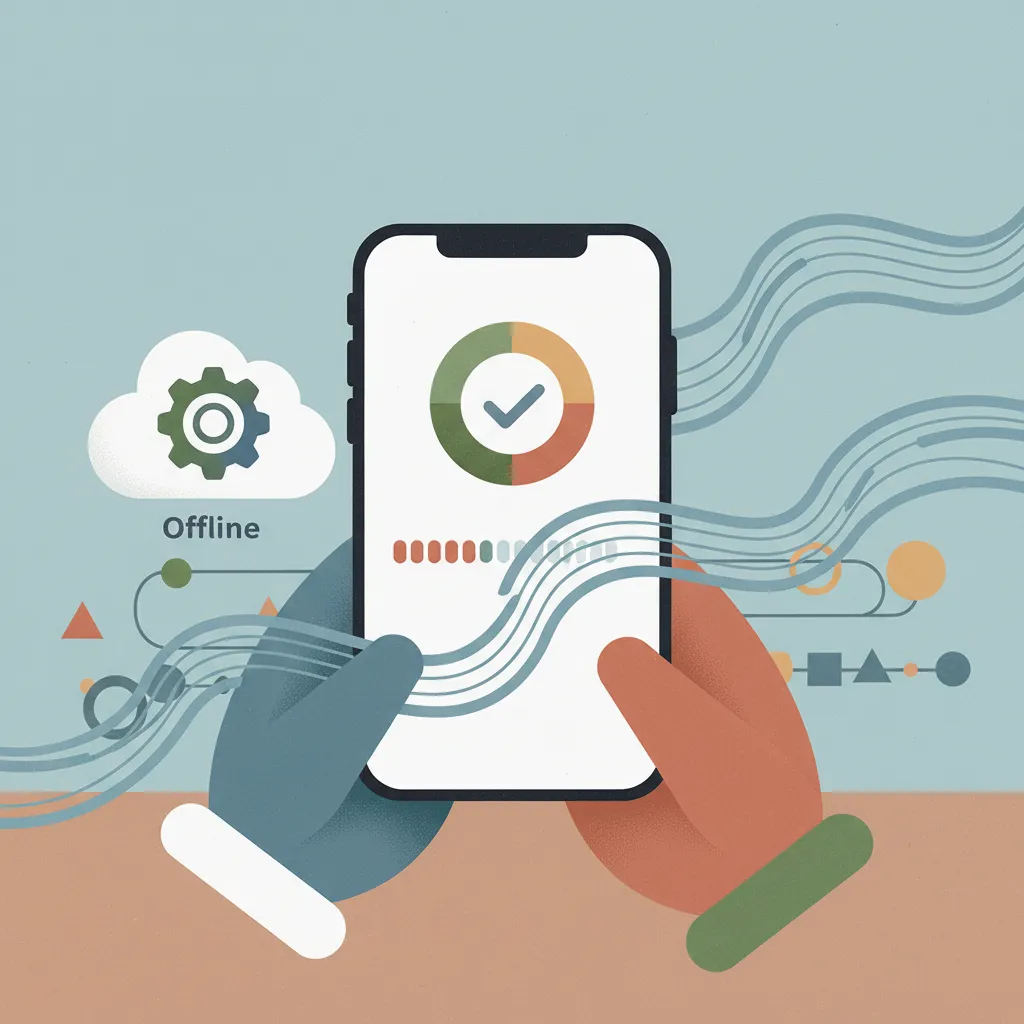
Remote field complexes rarely have reliable Wi-Fi, so offline functionality should be your first consideration. Your scanners need to cache ticket data locally so staff can validate entries even when internet drops completely, then sync attendance records once connectivity returns. Mobile-first check-in means your volunteers use their own smartphones or tablets instead of requiring specialized hardware. Look for software that delivers tickets via SMS without forcing families to download yet another app. That removes a friction point at the gate while giving your team the flexibility to add scanning devices when lines spike unexpectedly.
5. Set Up a Help Desk Away From Main Check-In
Not every check-in goes smoothly. Some attendees forget confirmation emails, others have name spelling mismatches, and a few will insist they registered when records show otherwise. Moving these conversations to a separate help desk with empowered staff keeps your main gates moving while everyone gets the support they need.
The best recommendation is to position the help desk 10 to 15 feet away from primary lanes with visible signage. Staff this station with someone who has access to your full registration database and the authority to issue replacement tickets or process refunds on the spot. When problems take two minutes instead of 20 seconds to resolve, pulling them out of the main flow protects the experience for the 95% of attendees whose digital tickets scan correctly.
6. Boost Satisfaction With Positive First Touch Points
Positive check-in experiences boost satisfaction over 20%, so your gate area deserves the same planning you give field logistics. Fast scanning matters, but the overall impression starts before anyone reaches your validators. To improve this satisfaction, position a greeter 15 feet before your scanning stations to welcome families by name when possible, answer directional questions, and redirect technical issues to your help desk before they enter the main queue. Physical comfort signals matter during that first interaction. Offering bottled water on hot mornings or providing printed venue maps changes how people remember their arrival.
7. Test All Technology the Morning of Your Event
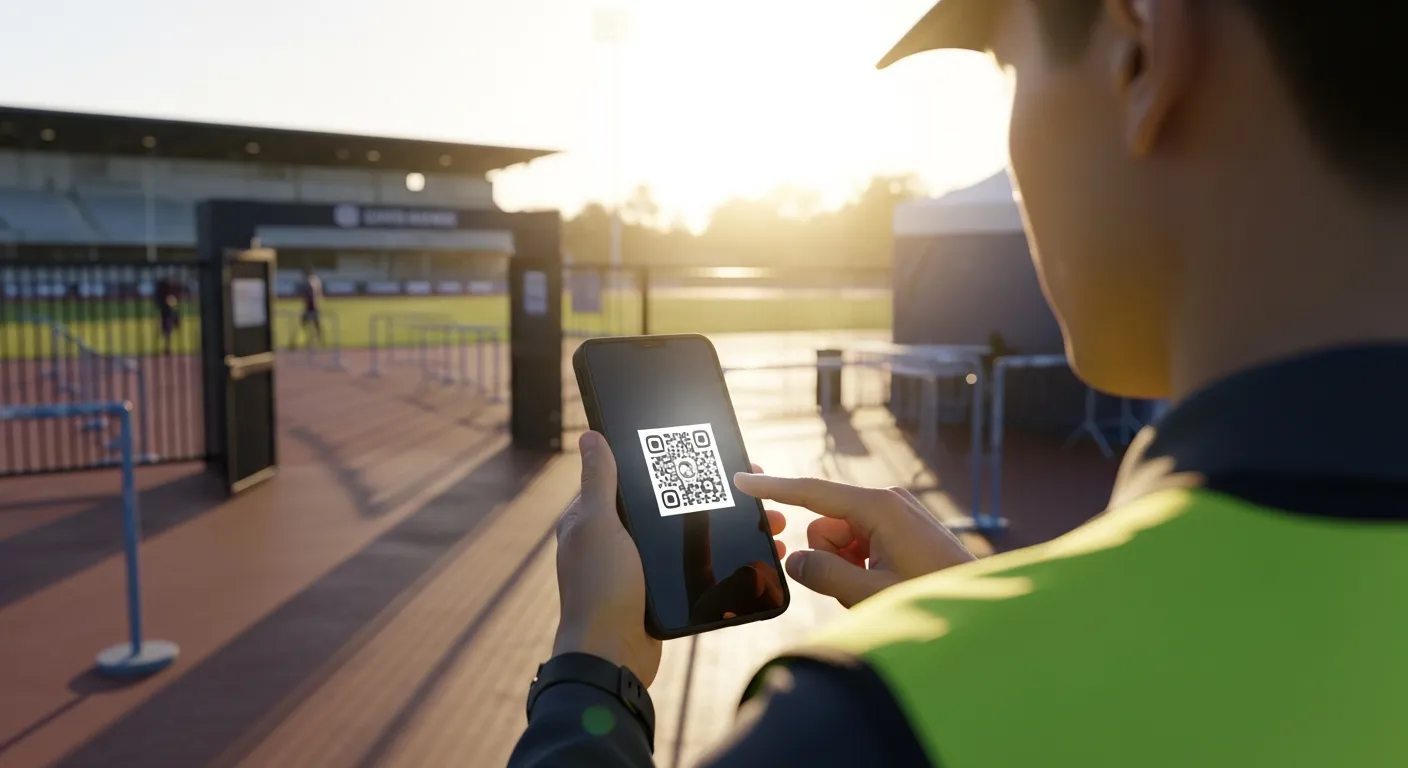
Reliable digital ticketing software still fails when you skip morning validation. Run test tickets through every scanner two hours before gates open to catch problems while there's time to fix them. QR codes that work perfectly on iPhones sometimes render differently on Android devices, and outdoor lighting creates glare that indoor testing never reveals. It may seem obvious, but it's the simple things that really get you. For example, check battery levels on all tablets and phones, then confirm backup chargers are plugged in and accessible. Have staff scan test tickets while standing in direct sunlight and again in shaded areas to verify codes read consistently.
8. Use Digital Tickets to Capture Real-Time Attendance Data
Every ticket scan generates a timestamp, gate location, and ticket category record that flows into your event dashboard in real time. That data stream lets you track exactly which registration channels drove actual attendance versus just purchases, identify peak arrival windows for better staffing next year, and spot capacity problems at specific gates while there's still time to redistribute volunteers. No-show rates vary wildly by ticket type. Complimentary passes typically see lower redemption than paid entries, so tracking which categories actually check in helps you forecast true attendance more accurately when planning facility needs and concession inventory. Digital tickets turn your gates into data collection points that paper systems can't match.
9. Set Up Contactless Entry With QR Codes and NFC
Contactless entry moved from pandemic necessity to standard expectation. Families now expect to tap their phone or flash a QR code instead of printing physical tickets. But how those QR codes are stored on your attendee's digital devices makes a difference. Digital tickets stored in Apple Wallet or Google Wallet, for example, live alongside credit cards and boarding passes, making them harder to forget or lose. When attendees purchase tickets, they receive an SMS link that adds the pass directly to their phone's wallet. From there, check-in becomes a tap against an NFC reader or a quick QR scan that validates entry in under two seconds. Keep in mind too that NFC readers process entries slightly faster than QR scanners but require specific hardware. So, QR codes work with any smartphone camera, giving your team flexibility to scale scanning capacity quickly when lines build unexpectedly.
10. Measure Check-In Performance to Improve Future Events
Your check-in data reveals where to improve next year's process. Here are some ideas to consider as you collect ticketing data and begin to plan for your next event:
- Review peak arrival timestamps to see when gates were overwhelmed versus underutilized, then adjust volunteer schedules accordingly. Compare processing volume across different entry points to identify which locations need staffing changes or better signage.
- Track average time from arrival to completed entry. If that number exceeds five minutes, you're creating friction that appears in satisfaction scores. Survey attendees within 48 hours while check-in memories remain fresh, asking about wait times, staff helpfulness, and technical problems.
- Look for patterns in ticket validation failures. If one gate shows a higher rejection rate for QR codes, that location might have lighting issues or undertrained staff. When specific ticket types consistently cause delays, your confirmation email templates or ticket delivery format may need revision.
- Calculate the cost per minute of delay by multiplying average wait time by attendee count, then comparing that friction against staff hours required to reduce it. In most cases, adding one more scanning station costs less than the satisfaction drop from extended queues.
- Document what worked in your playbook so knowledge survives staff turnover. Record volunteer shift patterns that handled peak arrivals smoothly, note which signage placements reduced confusion, and capture technology workarounds that solved problems on-site. That institutional memory turns each event into training material for the next.
- Those 10 strategies cover the planning, technology, and process adjustments that turn check-in from a bottleneck into a smooth entry experience. So, let's look at how the right ticketing platform supports these practices in real tournament environments.
How Fastbreak Ticketing Supports Smooth Check-In for Sports Events
Integrated with Fastbreak for tournaments, Fastbreak Ticketing handles check-in with offline-capable scanners that work at remote field complexes where Wi-Fi fails regularly. SMS-based delivery removes app download friction, so families receive their digital tickets via text and store them in Apple Wallet or Google Wallet. Every scan feeds attendance data directly into your Fastbreak for tournaments dashboard in real time, connecting gate traffic to scheduling and venue management without manual reconciliation. When combined with Fastbreak Travel for housing rebates and Fastbreak Connect for sponsor activations, ticketing becomes part of a revenue stack that can generate additional income per event without raising team registration fees.
Final Thoughts on Digital Check-In Technology for Tournaments
Your gate area is the first impression families have of your entire event, so slow check-in undermines everything else you've planned. Ticketing software with offline capability and QR codes handles the technical side, but your volunteer training and flow design determine actual wait times. Use the attendance data you're collecting to spot staffing gaps and improve lane assignments for future events. If you're managing housing blocks and sponsor activations alongside registration, reach out to see how everything connects.
FAQ
How long should check-in take per attendee to avoid line abandonment?
Each attendee should complete check-in in under five minutes, with individual scans taking just a few seconds when using QR codes or NFC technology. People start leaving queues after waiting 10 to 15 minutes, so keeping processing times short protects both attendance and revenue.
What should your team do when someone's phone dies before they can show their digital ticket?
Position a help desk away from main check-in lanes staffed with someone who has full database access and authority to issue replacement tickets immediately. That person can look up the registration by name or email and get the attendee through the gate without slowing down primary scanning lanes.
Can check-in scanners work at remote field complexes without Wi-Fi?
Yes, but only if your event ticketing platform supports offline functionality. The scanners need to cache ticket data locally so they can validate entries when internet drops, then sync attendance records once connectivity returns. Test this capability the morning of your event in the actual location where you'll be scanning.
How do separate flow lanes improve check-in speed?
Dedicated lanes sort attendees by ticket type before they reach validators, so pre-registered families with digital tickets don't wait behind walk-ups buying on-site. Your registration data shows the split between advance sales and expected walk-ups, letting you staff lanes proportionally and move the majority of attendees through faster.
What check-in data should you track to improve future events?
Review peak arrival timestamps to see when gates were overwhelmed versus underutilized, compare processing volume across different entry points, and track average time from arrival to completed entry. Survey attendees within 48 hours asking about wait times, staff helpfulness, and technical problems while check-in memories remain fresh.


