






When you're comparing ticketing platforms, transaction fees get all the attention while the features that actually protect revenue get ignored. Can your scanner validate entries when Wi-Fi drops at a remote field complex? Can sponsors place branding directly on digital wallet passes? Does ticket data flow automatically into your financial dashboard? These online event ticketing tips show you what matters most when the wrong choice costs you more than the subscription fee.
Executive Summary:
- Mobile ticketing now drives 58.95% of transactions, making SMS-based delivery critical for smooth operations
- Offline scanning prevents gate bottlenecks at remote venues without reliable internet
- Tiered pricing and early-bird discounts can lift average order value
- Bulk registration removes friction for large clubs
- Fastbreak Ticketing lets staff sell and scan from their own phones and tablets, with tickets by text or email and sponsors on tickets
Choose the Right Ticketing Software for Your Needs

The wrong ticketing software costs you more than the monthly subscription. It costs you gate revenue when scanning slows, costs you sponsor dollars when you can’t place branding on tickets, and costs you hours when payment data lives in one system while registration lives in another. Selecting a ticketing software solution should begin with four questions:
- Can fans buy tickets without downloading an app? Making users download an app creates friction. If the user forgot to download it and there is spotty connection at the event, it may be very difficult for them to use the tickets they purchased if they don't have the app and can't get access to it.
- Does the scanner work when Wi-Fi drops at remote field complexes? Entry can't come to a standstill with a connectivity problem. Ticket information must be stored locally so that scanning can happen regardless if there is internet access.
- Can ticket sales data flow directly into your CRM and financial dashboard? Integration separates software that saves time from software that creates more work. If your ticketing system can't talk to your registration database or housing portal, you're back to manual data entry.
- Can the software accept credit cards (at the gate and online) and what are the processing fees? Payment processing matters more than most organizers realize. Look for software that accepts credit cards at the gate and online pre-sales.
The table below provides a quick overview of the main event ticketing solution features and why they matter.
Optimize Your Ticket Pricing Strategy to Maximize Revenue
Your ticketing strategy can have a demonstrable impact on your bottom line. We've identified three key best practices that can help improve your overall ticketing strategy:
- Tiered ticket pricing
- Early-bird pricing
- Testing price points
Tiered Ticket Pricing
Tournament directors who charge one flat rate for every attendee miss revenue from families willing to pay more while risking lower turnout from casual fans who'd attend at different price points. Tiered pricing solves both problems. For example, you can offer general admission at your base price, then create premium tiers with added value. A $15 weekend pass might sit alongside a $30 VIP option that includes reserved seating, early entry, or meet-and-greet access. Premium tiers generate higher per-ticket revenue while base tiers keep events accessible.
Early-Bird Pricing
Early bird pricing creates urgency and improves cash flow. To take advantage of this, you can release tickets in phases: first wave at a discount three months out, second wave at regular price six weeks before, final wave at a premium during game week.
Test Price Points
With a good event ticketing solution, you can quickly and easily test price points before committing. For example, you can run a $12 gate fee at one event and $15 at another with similar attendance profiles, then compare conversion rates and total revenue.
Use Mobile Ticketing for Faster Check-In and Better Experience
Mobile devices now drive 58.95% of ticketing transactions, which means families expect to buy and access tickets from their phones. If your check-in process requires printed paper or forces fans to wait in long lines while staff manually verify purchases, you create friction that slows gates and frustrates attendees. But, if you think an app is the answer, you might be mistaken. What happens when the user doesn't have the app installed and connectivity at the gate is poor? They are locked out of using the tickets they purchased.
SMS-based ticket delivery solves these problems. Buyers receive a text message with a QR code immediately after purchase. They scan it at the gate, and entry happens in seconds. No login credentials to remember, no app store barriers, no compatibility issues across Android and iOS devices.
Speed matters most during peak arrival windows. A fast mobile check-in flow processes more attendees per gate than manual paper checks, which means shorter lines and fewer staff needed at entry points.
Implement Offline Ticket Scanning Capabilities for Remote Venues
Remote field complexes and outdoor venues rarely offer reliable internet connections. When your scanning hardware depends on live Wi-Fi or cellular data to validate every ticket, a dropped connection turns entry gates into bottlenecks. Staff can't verify purchases, fans wait in growing lines, and you lose visibility into who actually entered. Offline scanning capability solves this by storing ticket data directly on the scanning device. When connectivity drops, the scanner still reads QR codes, validates entries, and logs attendees locally. Once internet access returns, the device syncs all entry records to your central dashboard automatically.
This prevents two common failures. First, you avoid the chaos of waving people through without validation because the system went down. Second, you maintain accurate attendance counts even when connection quality fluctuates throughout the day. Your gate staff can process entries at full speed regardless of network conditions, and your financial records stay intact.
Add Sponsor Branding to Digital Tickets for Additional Revenue
Digital tickets create sponsor placement opportunities that paper tickets can't match. Every ticket saved to Apple Wallet or Google Pay appears alongside credit cards and boarding passes, generating repeated brand exposure before, during, and after the event.
Sponsor logos and promotional offers can be placed directly on digital ticket passes. When families pull up their tickets at entry, they see sponsor branding. That same ticket might include a 15% discount for a local restaurant or sports retailer, creating measurable value for the sponsor while giving attendees something they'll actually use. This becomes sellable inventory. Instead of charging brands $5,000 for a banner near field two, offer placement on 2,000 digital tickets at $1,500. Sponsors get guaranteed impressions with every gate scan, and tournament directors gain a new revenue stream without additional physical signage or staff work.
And don't forget to track redemption rates to prove ROI. When sponsors see 200 families redeemed their digital coupon, they return for the next event with larger budgets.
Create Tiered Ticket Options to Appeal to Different Audience Segments
Single-day passes work for local families, but traveling teams attending multi-day events need different options. To accommodate different ticketing needs, you can create distinct tiers based on actual attendance patterns: single-session passes for grandparents watching one game, weekend passes for core families, and all-access options for coaches who need entry across multiple days.
Value differentiation matters more than price gaps. General admission gets basic entry. Mid-tier adds parking and program guides. Top-tier includes exclusive viewing areas and merchandise discounts. Each tier delivers something the previous one doesn't, which makes the upgrade feel worth the cost.
Add-ons increase transaction value without creating complexity. You can offer parking passes, meal vouchers, or photo packages during checkout. Families already buying a $40 weekend pass often add a $10 parking pass instead of dealing with cash at the gate. That single add-on lifts average order value with zero extra staff work.
Simplify Registration with Bulk and Group Ticketing Features
Clubs managing a number of teams at a single event face the same registration form five separate times when software forces individual entries. Coordinators may abandon the whole process, switch to email-based manual registration, or skip your event for one with simpler workflows. Bulk registration changes this. Club directors can upload a roster spreadsheet or select multiple teams in a single transaction. One checkout, one payment, done. That saves coordinators hours while cutting your administrative follow-up in half. For a complete breakdown of features that matter most, see our tournament registration software guide.
But this capability also directly affects event scale. Large clubs are more likely to commit full rosters when registration doesn’t fight them. And, group discounts pair well with bulk features. Offer $5 off per team when clubs register four or more simultaneously. Coordinators get budget relief, and you secure larger registration blocks earlier in your sales cycle.
Track Real-Time Sales Data to Adjust Marketing and Inventory
At the end of the day, good data collection and reporting are critical to optimizing your event revenue. When you are relying on static sales reports updated once per week, you can miss buying patterns during active sales windows. When data lags by days, you miss signals that show whether current pricing drives conversions or whether inventory will sell out before gate day.
Real-time dashboards, though, show ticket purchases as they happen. You see which time windows generate the most transactions, which ticket tiers move fastest, and when velocity drops. If weekend passes sold 40 units yesterday but only 12 today, that slowdown signals a pricing adjustment or promotional push might be needed. Sales velocity matters more than total volume, so selling 200 tickets over six weeks looks identical to 200 tickets in six days on a static report, but the second scenario lets you raise prices earlier to capture more revenue from late buyers.
Finally, you should monitor conversion rates by traffic source. If email campaigns convert at 8% but social posts convert at 2%, shift budget toward email during the final sales push.
Power Your Event Operations with Integrated Ticketing Solutions
Standalone ticketing software processes transactions, but it can’t adjust gate staffing when a schedule change moves three games to the same start time. It can’t automatically notify families who booked hotel rooms that their team’s first game moved up two hours. It can’t track which sponsors activated at which venues to calculate per-location ROI.
Keeping ticketing alongside the rest of the event helps close those gaps.
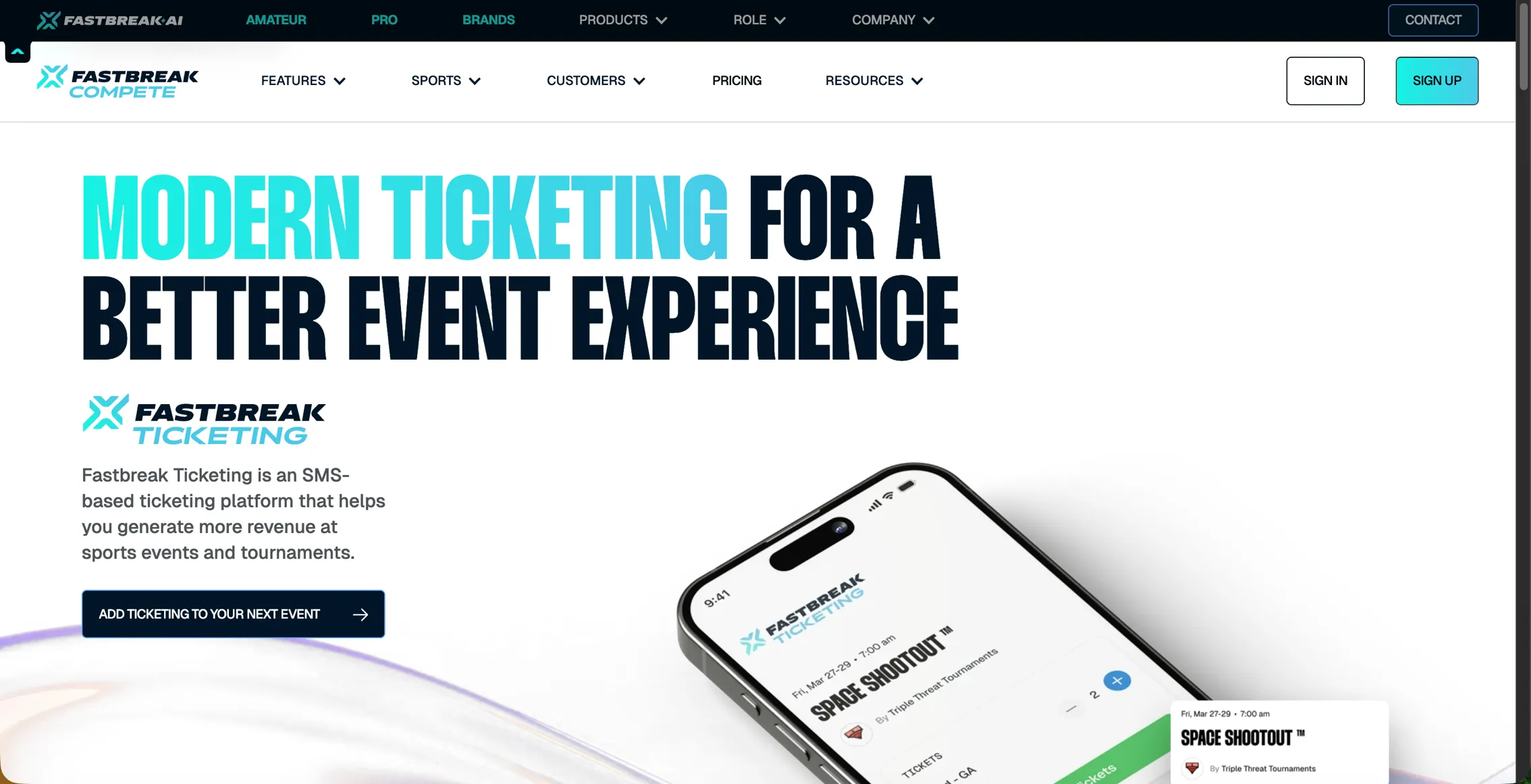
Fastbreak Ticketing gives you mobile ticketing built for sports events. Tickets arrive by text or email with no app, account or wristband needed. Staff sell and scan at the gate from the phones and tablets they already use, Tap to Pay handles walk-up sales, and sponsors can appear on tickets. Operators on Fastbreak AI for Tournaments can add Ticketing to any event, alongside hotel rebates through Fastbreak Travel and sponsorships through Fastbreak Connect.
Final Thoughts on Maximizing Revenue Through Better Ticketing
The difference between ticketing software that processes transactions and software that grows revenue comes down to how it fits the rest of your event. When online event ticketing sits alongside registration, scheduling, travel and sponsorships, you spend less time reconciling separate systems and more time on the parts of the event that grow it. Better tools let you focus on operations that scale instead of administrative tasks that drain time.
FAQ
How do I know if my ticketing software will work at remote field complexes without internet?
Look for offline scanning capability that stores ticket data directly on the scanning device. When connectivity drops, the scanner continues to read QR codes and validate entries locally, then syncs all records to your central dashboard once internet access returns.
What's the difference between SMS-based ticketing and app-based ticketing?
SMS-based ticketing delivers tickets via text message with a QR code, requiring no app download for fans. App-based ticketing requires families to download software, create login credentials, and maintain compatibility across different devices, creating more friction at purchase and entry.
Can I add sponsor branding directly to digital tickets?
Digital tickets saved to Apple Wallet or Google Pay support sponsor logos and promotional offers directly on the pass. This creates sellable inventory where sponsors get guaranteed impressions with every gate scan, and you can track redemption rates to prove ROI.
When should I use bulk registration instead of individual team entries?
Use bulk registration when clubs need to register five or more teams. Club directors can upload a roster spreadsheet or select multiple teams in one transaction, saving hours of coordinator time and reducing your administrative follow-up by half.
How does real-time sales data help me adjust pricing during active sales windows?
Real-time dashboards show ticket purchases as they happen, revealing which time windows generate the most transactions and when velocity drops. If sales slow from 40 units yesterday to 12 today, that signals a pricing adjustment or promotional push might be needed before inventory sells out.


